224 tools/resources

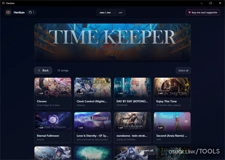
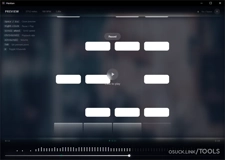

vibe-coded osu! Skin configurator by Citrusis
A desktop tool for creating presets of osu! skin changes and switching between them instantly.
Make it easier for skinners to modify and distribute their presets.
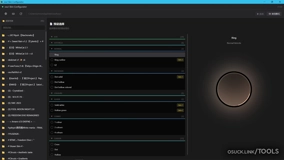

ai-assisted Miliastry by hxovc
BBCode editor for osu! that treats code as structured data rather than raw text.
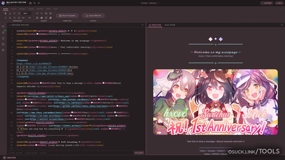

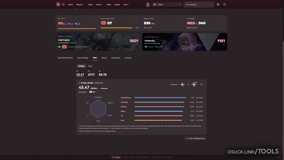
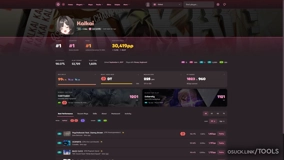
vibe-coded Mania Tracker by Aleju03
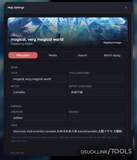
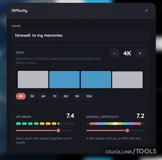
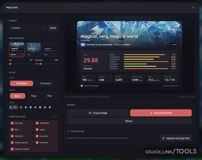
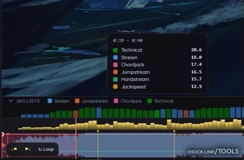
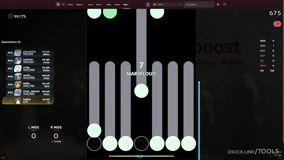
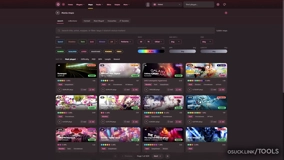
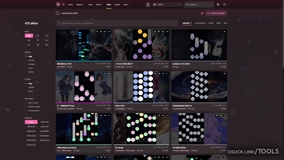
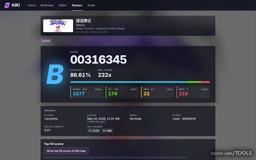
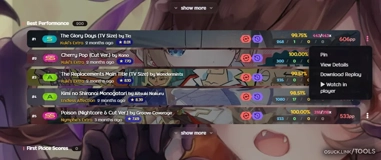
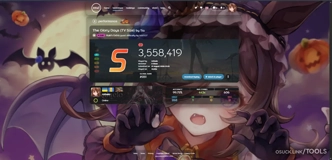
An osu!mania tracking and tools website for exploring scores, rankings, progression, skill ratings, maps, replays, and other community tools.
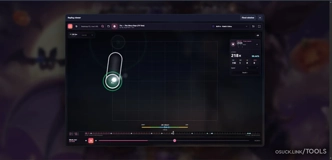
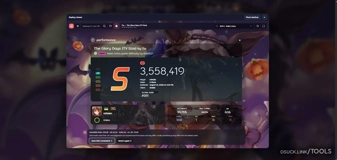
Track live scores and top plays, explore detailed player profiles and map analysis, browse leaderboards, and inspect plays with the in-browser replay viewer.
The project is free to use and actively developed for the osu!mania community.


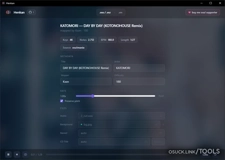
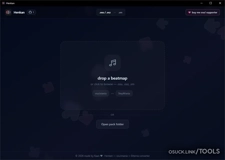
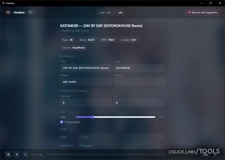
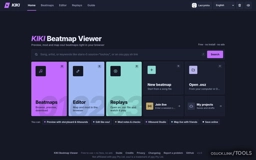
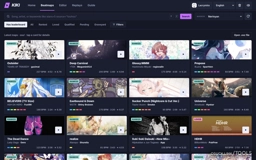
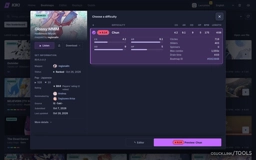
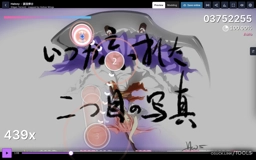
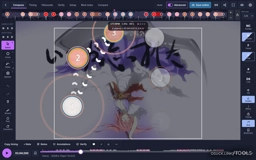
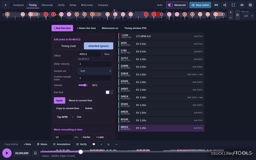
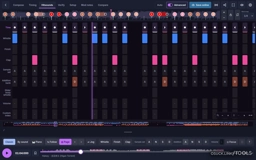
vibe-coded KIKI osu! beatmap viewer/editor/replay by Lacrymira
KIKI Beatmap Viewer is a free web app for osu! players, modders and mappers. You can:
Search osu! maps with detailed filters, or open your own .osz file.
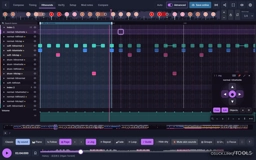
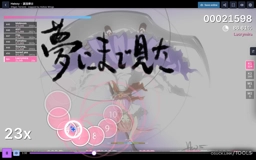
Watch any map with its skin, storyboard and hitsounds.
Edit it in an editor laid out like osu!’s, with the same hotkeys.
Use Hitsound Studio to see and stamp every hitsound by sound or as piano keys, with range loops and a jog pad.
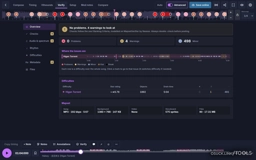
Check the map against the Ranking Criteria.
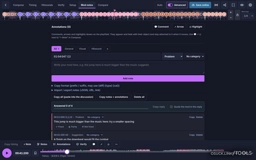
Write mod notes with timestamps that are ready to post.
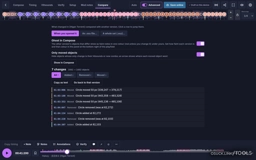
Compare two versions to see what changed.
Open replays and watch them with a live Top 50.
Log in with osu! to save online and map live with friends.
It runs in your browser on Windows, Mac and phone
osu! Lazer Tournament Client Bracket Generator CLI by D I O
Command-line interfacing program for automatically generating a complete bracket.json file for the osu! Lazer tournament client by taking qualifier results, player and team information, qualifier pool information, and tournament information.

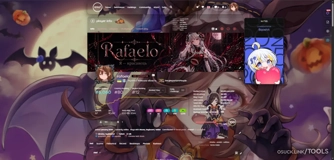
ai-assisted Osu! ultimate by Rafaelo
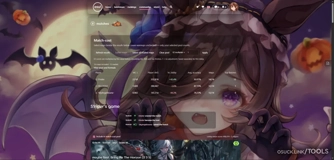
Osu! ultimate — everything for osu! in one extension
Osu! ultimate brings together a wide range of useful features that would usually require several separate extensions.
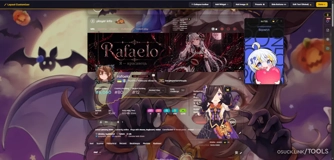
Want to give osu! a fresh look? No problem. Set a custom profile background, enable the Glass interface and customize it to your liking, add an avatar frame, and much more.
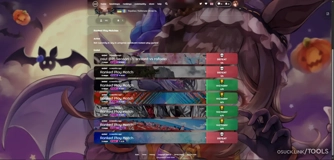
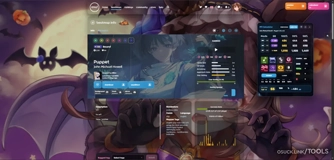
Beyond customization, the extension includes useful tools such as a PP calculator, beatmap previews, and other features that make the osu! website easier to use.
Instead of a dozen separate extensions, use one with the features you need already built in.
Osu! ultimate keeps getting new features, so there’s plenty more to come.
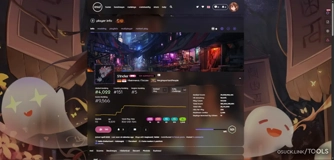
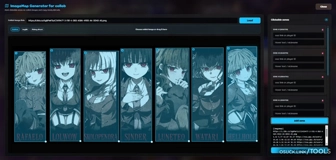



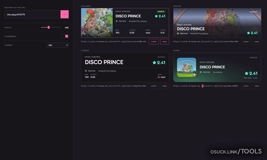


vibe-coded osu! Completionist Tracker by Zaboo
osu! tracker for every game modes, completionist app, country #1, global top tracking, custom metrics, OBS overlay and new scores picked up in real time.
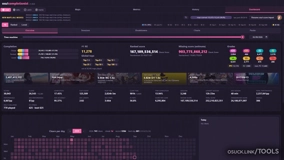
ai-assisted Web osu!mania Editor by sheepex_
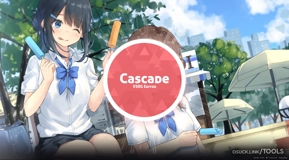
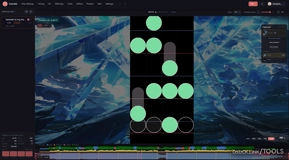
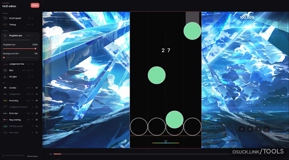
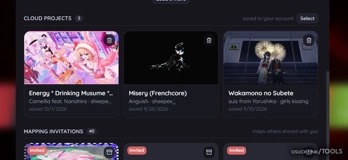
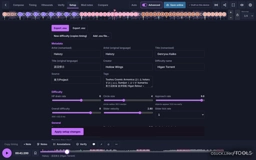
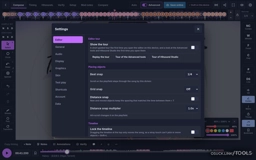
Cascade is a beatmap editor for vertical scrolling rhythm games (VSRG) that runs in the browser. It is built around osu!mania and also reads and writes StepMania, Etterna, Quaver and Malody charts.
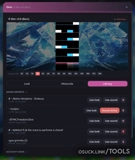
Cascade lets you time a song, chart it, play it, check it and export it in one place. You can start from a blank project, open an existing .osz, .osu, .sm, .ssc, .qua, .mc or .mcz file, or load one of the sample maps from the main menu.
You do not need to install anything or create an account. Projects are saved in your browser on your device. Logging in with osu! adds cloud saves, settings sync, realtime collaboration and public share links.
The same editor is also available as a desktop app built with Tauri. On Windows, the desktop app can also work with your osu! installation directly.